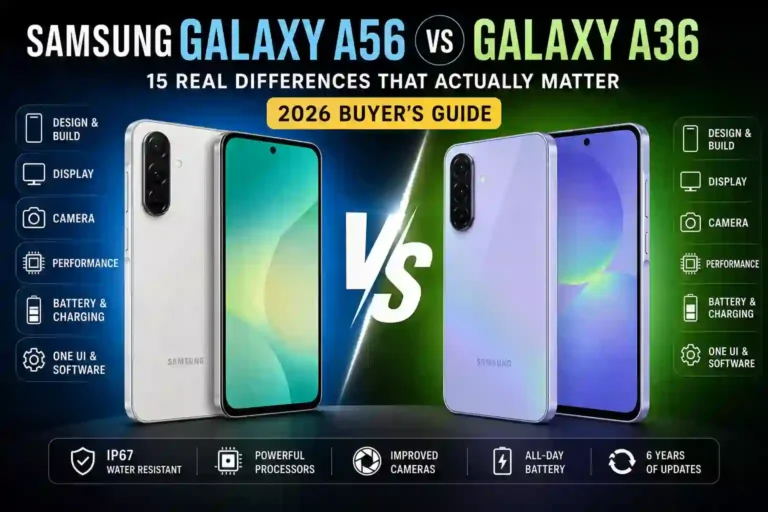
Samsung Galaxy A56 vs A36 Which Should You Buy?
My cousin texted me last week: “Just go stand in the Samsung store and pick one, I don’t have time for this.” She’d been going back and forth between the Samsung Galaxy A56 vs A36 for three days and was ready to just close her eyes and point.
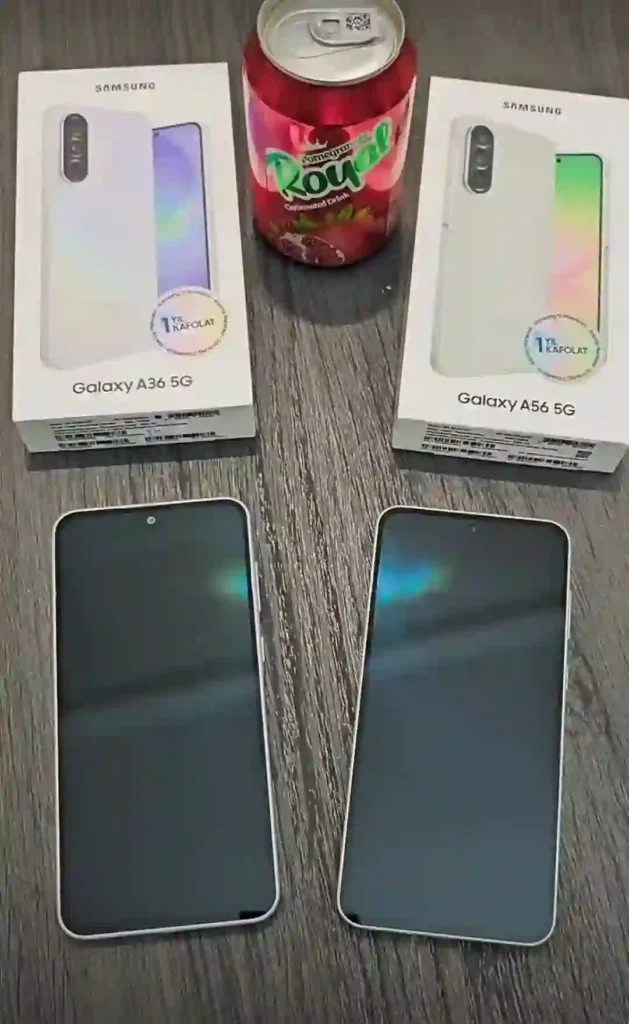
I get it. I spent about a month with both phones side by side — swapping SIM cards, running the same apps, taking the same photos in the same lighting — because I genuinely couldn’t tell people which one to buy without actually living with them first. And here’s the thing nobody tells you upfront: these two phones look almost identical in photos. Same size, same screen, same camera bump shape. You could hand someone both phones face-down and they’d struggle to tell you which is which just by looking.
Read More: Samsung Galaxy A56 Tips and Tricks 2026
But once you start using them daily — gaming, taking low-light photos, checking how warm they get during a long call — the differences show up fast. Some of them actually matter. Some of them really don’t. This is my honest breakdown after using both as my daily driver, mistakes included.
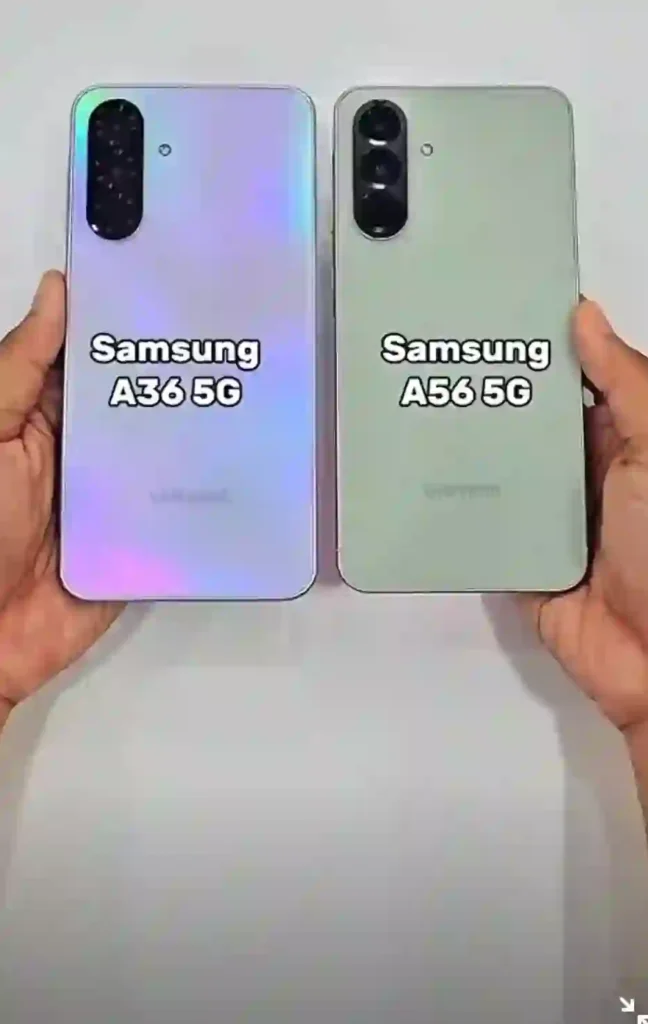
Table of Contents
- Quick Specs Table
- Design & Build Quality
- Display
- Camera
- Performance
- Battery & Charging
- One UI & Software
- Common Mistakes to Avoid
- Pros & Cons
- FAQs
- Final Thoughts
Quick Specs Table
| Feature | Galaxy A56 | Galaxy A36 |
|---|---|---|
| Chipset | Exynos 1580 | Snapdragon 6 Gen 3 |
| Frame material | Aluminum | Plastic |
| Display | 6.7″ Super AMOLED, 120Hz, 1080×2340 | 6.7″ Super AMOLED, 120Hz, 1080×2340 |
| Peak brightness | ~1900 nits (tested ~1200 nits real-world) | ~1900 nits (tested ~1200 nits real-world) |
| Main camera | 50MP f/1.8, OIS, 1/1.56″ sensor | 50MP f/1.8, OIS, 1/1.96″ sensor |
| Ultrawide camera | 12MP f/2.2 | 8MP f/2.2 |
| Macro camera | 5MP f/2.4 | 5MP f/2.4 |
| Selfie camera | 12MP | 12MP (different sensor) |
| Storage type | UFS 3.1 | UFS 2.2 |
| Battery | 5,000mAh | 5,000mAh |
| Charging | 45W wired | 45W wired |
| Water resistance | IP67 | IP67 |
| Weight | 198g | 195g |
| Software | One UI 7 (One UI 8 available), 6 years of updates | One UI 7 (One UI 8 available), 6 years of updates |
| Starting price (approx.) | $100 more than A36 | $100 less than A56 |
Design & Build Quality: The Difference You Feel, Not See
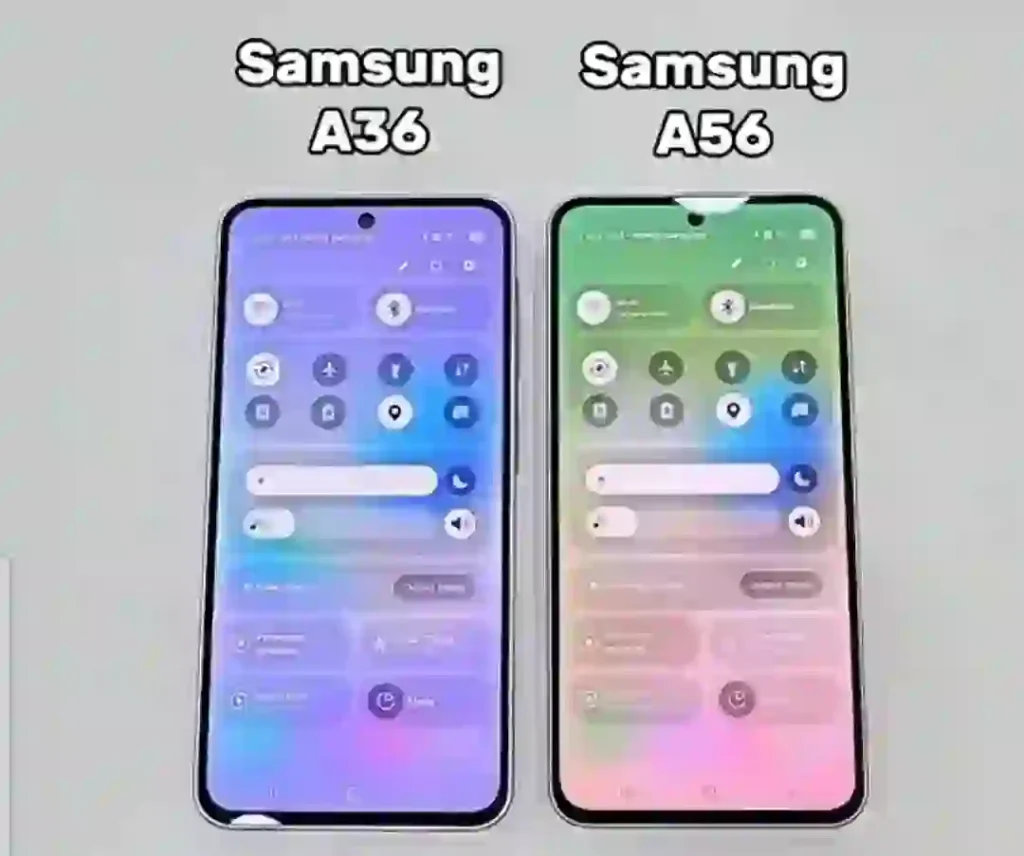
Here’s my first “gotcha” moment. I unboxed both phones and honestly couldn’t spot which was which from a few feet away. Same flat sides, same punch-hole camera, same rectangular camera module on the back. Then I picked them up.
The A56 has an aluminum frame. The A36 has plastic. This sounds like a spec-sheet footnote until you’ve had both in your hand for a week.
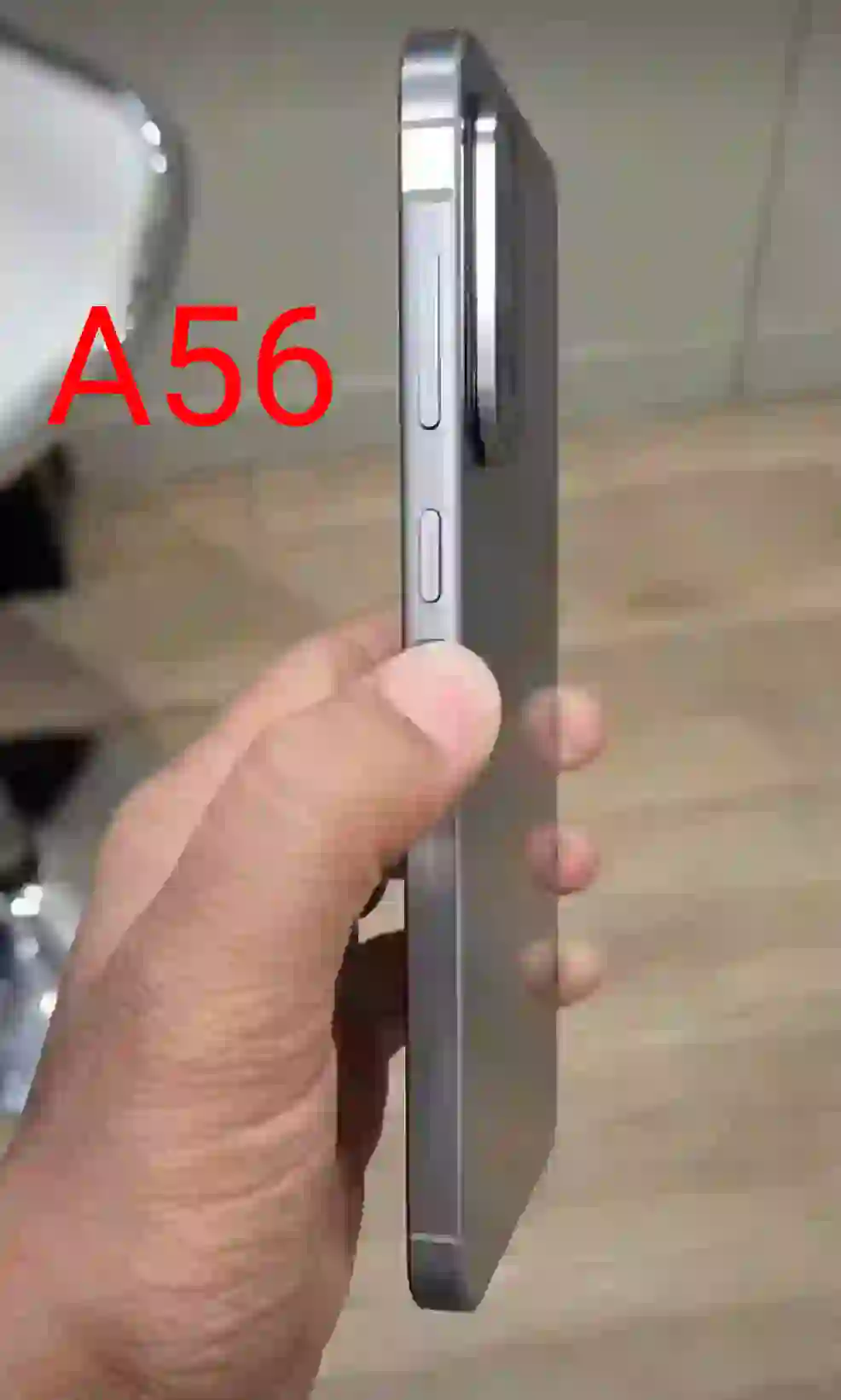
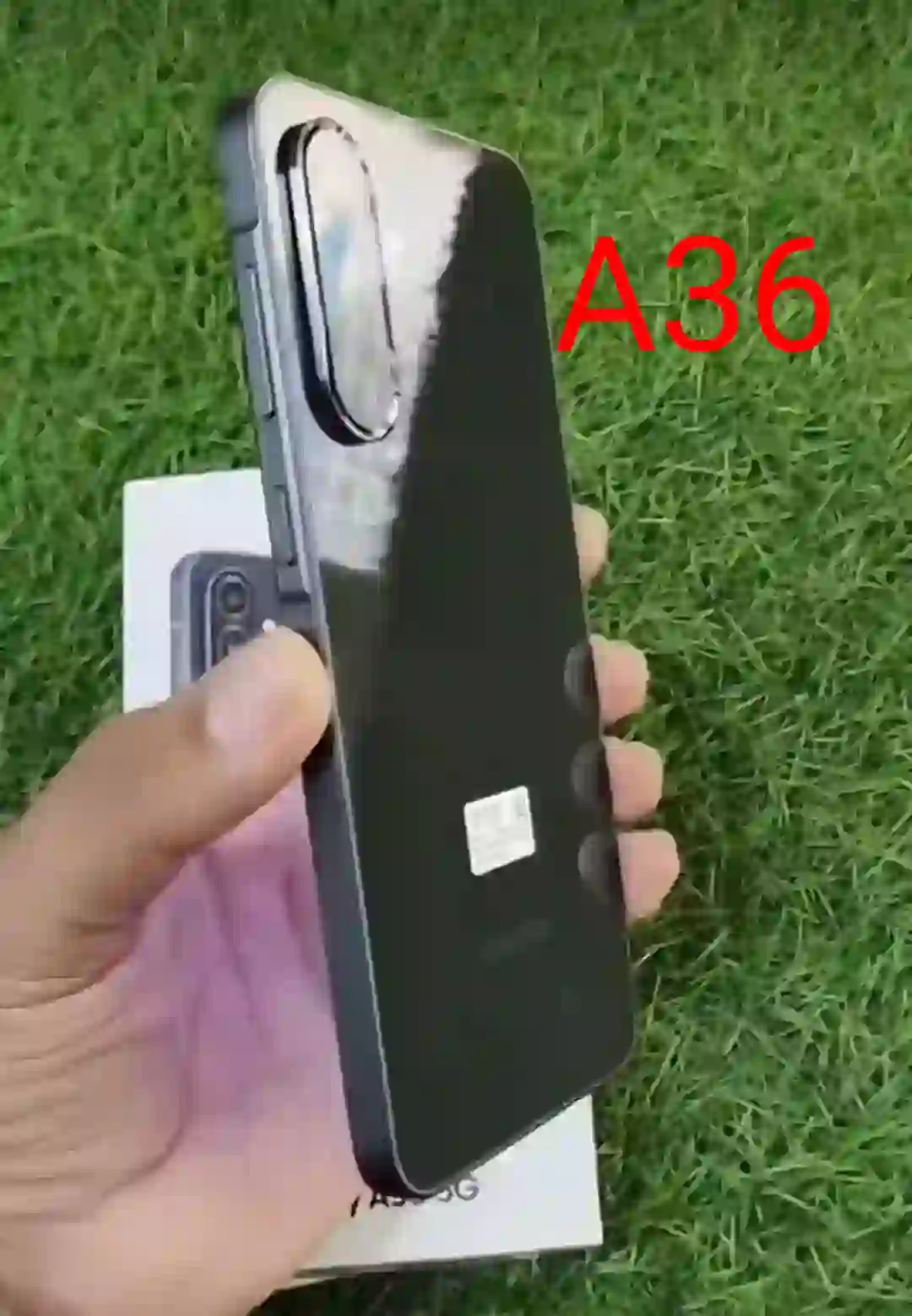
The A56 feels denser, colder to the touch initially, and just more “solid” — the kind of feeling you get holding a Galaxy S-series phone. The A36’s plastic frame isn’t bad by any means, but you notice the flex slightly more if you squeeze the edges, and it warms up faster in your palm during summer use.
Real-world test I did: I dropped both phones (accidentally, from about waist height, onto a wooden floor — not recommended, but it happened) within the same week. Neither cracked, both have Gorilla Glass Victus+ front and back. But the A36 picked up a small dent on its plastic frame edge that the A56 simply didn’t show after a similar knock.
Dimensions are nearly identical — A56 is 162.2 x 77.5 x 7.4mm and weighs 198g, A36 is 162.9 x 78.2 x 7.4mm at 195g.
You will not notice this 3g difference blindfolded. Both carry an IP67 rating, meaning they’ll survive a splash or an accidental toilet drop (ask me how I know), but not a swim.
Display: Basically a Tie
I ran the same YouTube video, the same white background, and the same outdoor test on both phones at once. Same 6.7-inch Super AMOLED panel, same 120Hz refresh rate, same 1080 x 2340 resolution, same Gorilla Glass Victus protection.
Under direct sunlight on my balcony at noon, I genuinely could not pick a winner. Colors, contrast, brightness — identical experience. If someone tells you one screen is noticeably better than the other, they’re probably going off spec sheets, not actual use, because in my testing both hit similarly high brightness levels and looked equally punchy for Netflix, Instagram scrolling, and gaming.
If display quality alone is your deciding factor, save your money and go with the A36. There’s nothing here worth paying extra for.
Camera: Where It Actually Gets Interesting
This is the section where the A56 starts pulling ahead, but not in the way most spec-sheet comparisons make it sound.
Both phones have a 50MP main camera at f/1.8 with OIS. In good daylight, side by side, I struggled to tell photos apart unless I zoomed in at 100%. Colors, sharpness, dynamic range — all very close.
The real gap shows up in two places:
Ultrawide shots. The A56 has a 12MP ultrawide, the A36 has an 8MP one. I took the same landscape shot with both at a park near my place, and once you crop in or view on a bigger screen, the A56’s ultrawide photos have noticeably more detail. The A36’s ultrawide shots look softer, especially near the edges of the frame.
Low light. This is where the sensor size difference (1/1.56″ on the A56 vs 1/1.96″ on the A36) actually matters. I shot the same dimly lit café interior with both phones. The A56’s photos had less noise and better detail retention. The A36’s shots were still usable, but you could see the software working harder to brighten shadows, and it introduced a bit more grain.
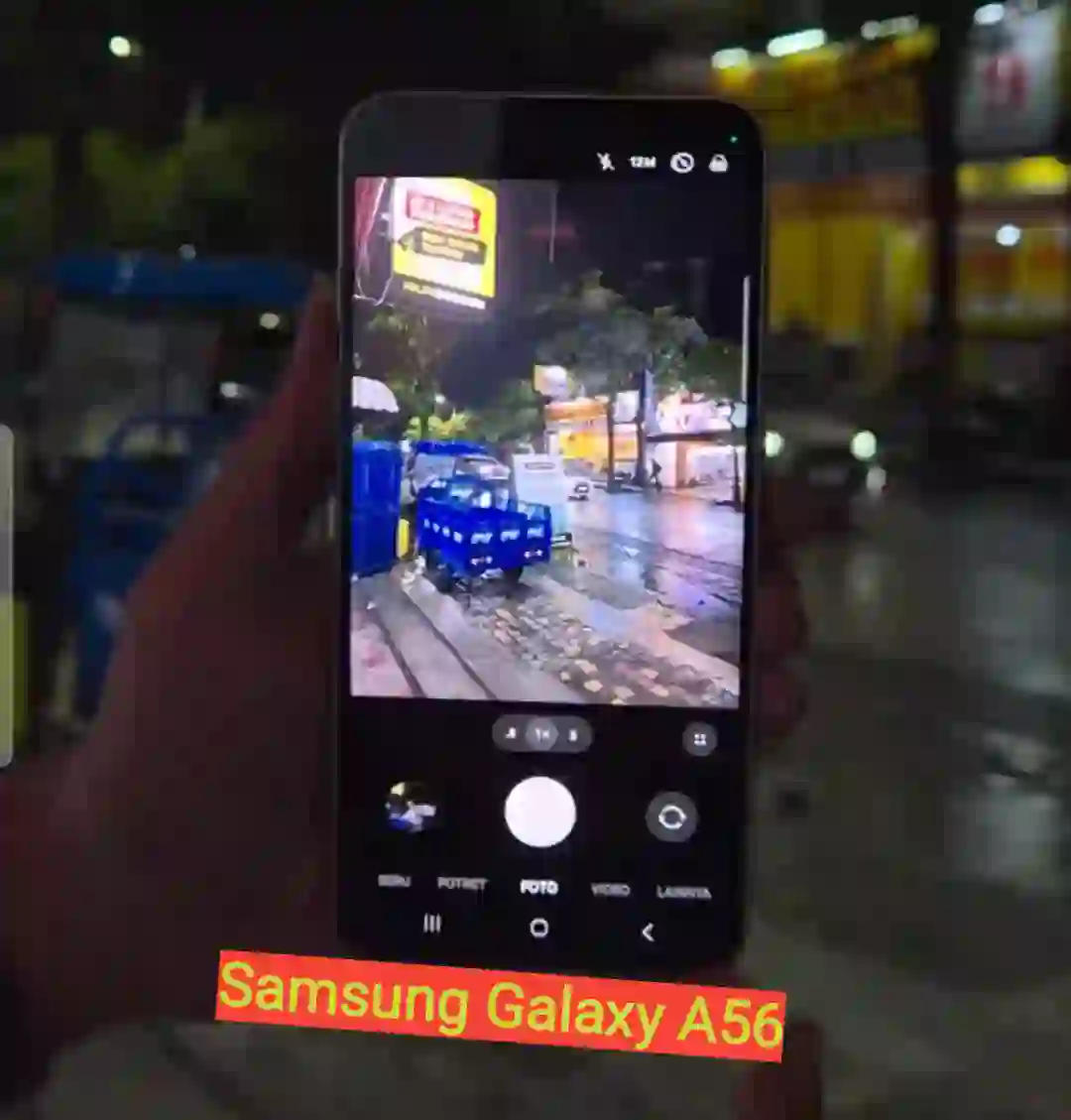
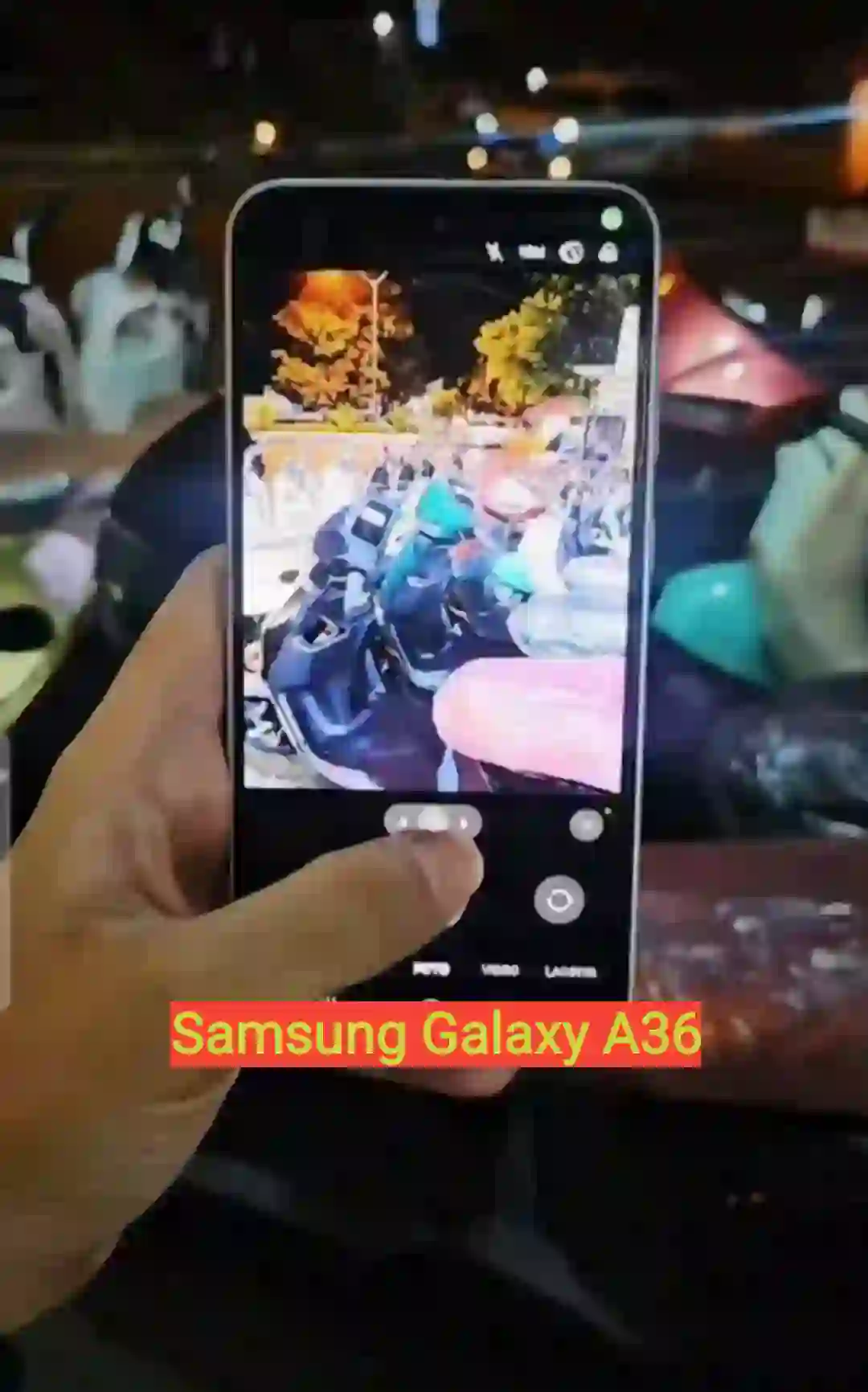
One mistake I made early on: I assumed since both list “50MP main camera,” they’d perform identically. They don’t — the sensor behind that number matters more than the megapixel count itself.
Selfie cameras are both 12MP but use different sensors (Samsung’s own S5K3LC on the A56 vs a GalaxyCore sensor on the A36). In practice, A56 selfies looked slightly sharper and more natural in skin tones during my testing, though this is a smaller gap than the ultrawide difference.
Performance: The Biggest Real-World Gap
If you only remember one thing from this article, make it this section.
The A56 runs Samsung’s own Exynos 1580 chip. The A36 runs a Snapdragon 6 Gen 3. On paper this might look like a minor spec difference. In daily use, it’s the most noticeable gap between these two phones.
I loaded the same set of apps on both — Instagram, Chrome with 15+ tabs open, Genshin Impact, and Google Photos editing a batch of RAW-style images. The A56 handled app-switching and multitasking noticeably smoother. The A36 wasn’t laggy exactly, but there was a slight hitch when jumping between heavy apps that the A56 didn’t have.
Gaming was a genuinely surprising result though. You’d expect the A56 to win everything given its performance edge, but in my battery and thermal testing, the A36 actually held up slightly better during long gaming sessions in terms of battery drain — likely due to how Qualcomm’s chip manages sustained loads differently than Samsung’s Exynos. Benchmarks back this up too: the A56 scores noticeably higher in Geekbench multi-core tests, but the gap narrows in real sustained gaming scenarios.
Storage speed is another quiet difference — the A56 uses faster UFS 3.1 storage, while the A36 sticks with UFS 2.2. You’ll feel this most when transferring large video files or when apps are reading/writing bigger chunks of data, like restoring a phone backup.
Neither phone got uncomfortably hot during my testing, which was a relief — I’ve used budget phones before that turn into hand warmers after 20 minutes of gaming, and neither of these did that.

Battery & Charging: Closer Than You’d Think
Both phones pack the same 5,000mAh battery and support 45W wired charging. On paper, identical. In practice, there’s a small but consistent gap.
Across a week of mixed use — calls, streaming, social media, some gaming — the A56 lasted slightly longer overall, particularly during video streaming and phone calls. The A36, interestingly, edged ahead during extended gaming sessions, likely tied to how each chipset manages power under heavy graphics load.
Neither phone comes with a charger in the box, by the way — this tripped me up when I first unboxed the A56 and went hunting for one. You’ll need your own 45W-capable USB-C charger and cable if you don’t already have one lying around.
Realistically, both phones comfortably get you through a full day of moderate use, and many users report closer to a day and a half to two days with lighter use. The difference between them here is measured in minutes, not hours — don’t let this be your deciding factor.
One UI & Software: Basically Identical
Both phones shipped with One UI 7 on Android 15, and both are eligible for the One UI 8 update. Samsung is promising six years of OS updates and security patches on both devices, which genuinely matches what you’d expect from a flagship Galaxy S phone, not a mid-ranger.
Neither phone gets the full “Galaxy AI” suite you’d find on the S25 series — instead, you get a trimmed-down version Samsung calls “Awesome Intelligence,” which includes basics like object eraser and some AI photo editing tools, but skips the more advanced generative features.
I didn’t notice any meaningful difference in software behavior, animations, or feature set between the two phones. If software longevity and update support matter to you (and they should), you’re getting the same deal either way.
Common Mistakes to Avoid When Choosing Between These Two
Mistake 1: Assuming “50MP main camera” means identical photo quality. As I mentioned above, sensor size matters more than megapixel count. Don’t let matching numbers on a spec sheet fool you.
Mistake 2: Overpaying for the A56 if you don’t game or multitask heavily. If your usage is mostly texting, browsing, and casual social media, you probably won’t notice the performance gap enough to justify the extra $100.
Mistake 3: Skipping a case because “the aluminum frame is tougher.” I made this mistake with the A56 for the first two weeks. The frame is more scratch-resistant, sure, but the glass back is just as vulnerable on both phones. Get a case regardless.
Mistake 4: Forgetting to budget for a charger. Neither phone includes one in the box anymore. Factor that $15-25 into your total cost.
Mistake 5: Buying based on region-specific RAM configurations without checking your local variant. RAM configurations differ by country for both phones — what you read in a US review might not match what’s sold near you. Always check your local retailer’s exact spec sheet before buying.
Pros & Cons
Galaxy A56
Pros:
- Aluminum frame feels genuinely more premium
- Noticeably better ultrawide and low-light camera performance
- Faster UFS 3.1 storage
- Better sustained multitasking performance
- Slightly better battery life for calls and streaming
Cons:
- Costs roughly $100 more
- Marginal real-world benefit if you’re not a heavy multitasker or photographer
- No charger included
Galaxy A36
Pros:
- Significantly cheaper, same core experience
- Identical display quality to the A56
- Slightly better battery efficiency during gaming
- Same 6-year software support commitment
- Same main camera sensor resolution for daylight shots
Cons:
- Plastic frame feels less premium and shows wear sooner
- Weaker ultrawide and low-light camera performance
- Slower UFS 2.2 storage
- Noticeable multitasking lag under heavy app-switching
FAQs
1. Is the Galaxy A56 worth the extra $100 over the A36? If you game, multitask heavily, or care about camera quality (especially ultrawide and low-light shots), yes. If you mostly text, browse, and use basic apps, the A36 gives you 90% of the experience for less money.
2. Do both phones get the same software updates? Yes. Both are promised six years of OS updates and security patches, and both launched on One UI 7 with One UI 8 already rolling out.
3. Which phone has better battery life? It’s close. The A56 edges ahead in calls and video streaming, while the A36 does slightly better during gaming. For most people, the difference won’t be noticeable day to day.
4. Is the Galaxy A36’s plastic frame a dealbreaker? Not really, but it’s noticeable if you’ve used metal-frame phones before. It still feels solid and durable, just less premium in hand.
5. Do these phones come with a charger in the box? No, neither does. You’ll need to buy a 45W-capable USB-C charger separately if you don’t already own one.
6. Which phone is better for photography? The A56, mainly because of its larger main sensor, higher-resolution ultrawide camera, and better low-light performance. Daylight main-camera shots are close enough that it’s not a huge factor.
7. Can I game comfortably on either phone? Yes, both handle games like Genshin Impact and PUBG Mobile reasonably well without excessive heat buildup, though the A56 has a performance edge in raw benchmarks.
8. Which one should I buy if I’m on a tight budget? Go with the Galaxy A36. You’re getting the same screen, same core software experience, and same battery capacity for less money — you’re mainly trading away camera and performance headroom.
Final Thoughts
After a month of switching between these two, here’s where I landed: if you’re the kind of person who keeps a phone for three-plus years, games regularly, or actually cares about how your low-light photos turn out, the Galaxy A56 earns its higher price tag. That aluminum frame and the camera sensor upgrade aren’t just marketing fluff — you feel and see the difference in daily use.
But if you’re buying a phone to just get things done — calls, messages, social media, the occasional photo — the Galaxy A36 is honestly one of the smarter buys in Samsung’s whole lineup right now. You’re not missing out on much, and you’re saving real money.
My cousin, by the way, went with the A36. Two months in, she’s happy, hasn’t once mentioned the camera or performance, and the money she saved went toward a case and a screen protector instead. Sometimes the “lesser” phone is exactly the right call.